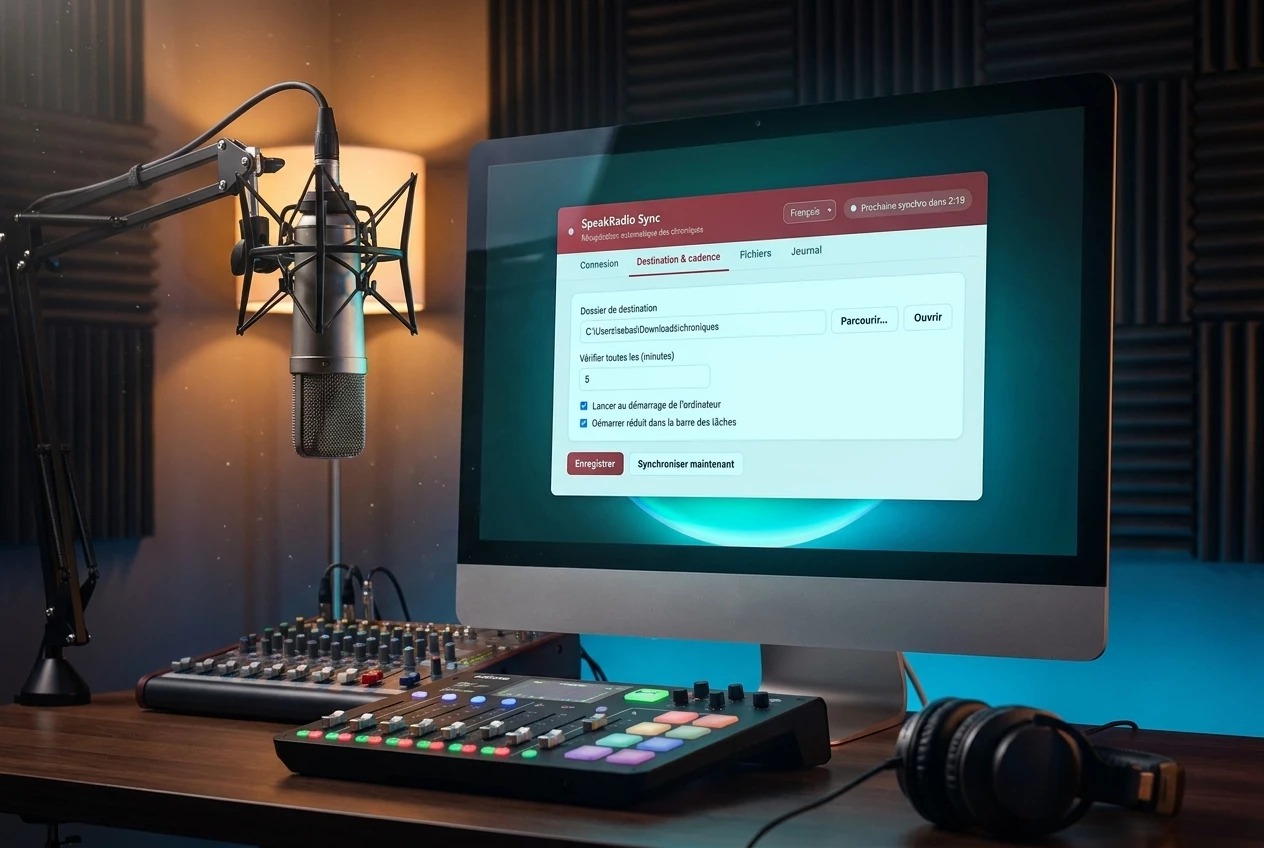
We are pleased to introduce SpeakRadio Sync, our new synchronization software for radio stations. Install it on your studio computer and your latest chronicles arrive automatically in the folder of your choice, ready to air.
Why SpeakRadio Sync?
Until now, retrieving your chronicles generated on SpeakRadio required a manual step. Now everything is automatic: the software checks your active schedules and downloads the latest version of each.
What the software does
- Automatic synchronization at the interval you choose (5 minutes by default).
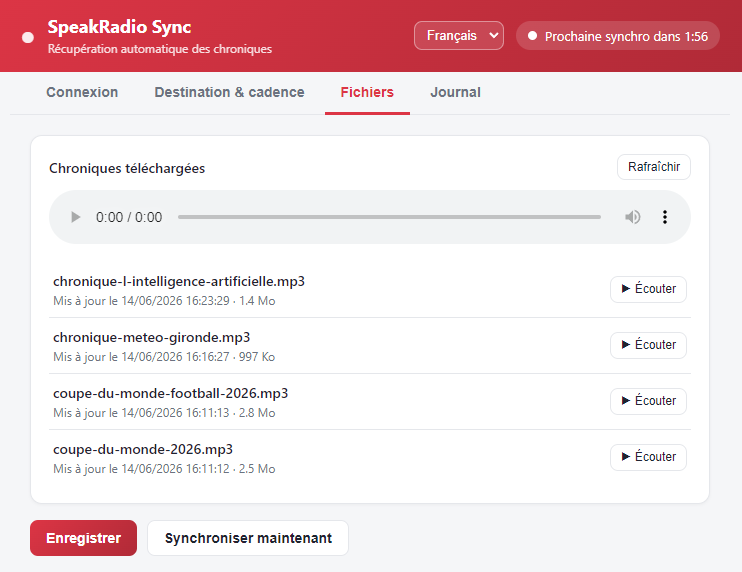
- Fixed file name: the new version replaces the old one, ideal for playout systems.
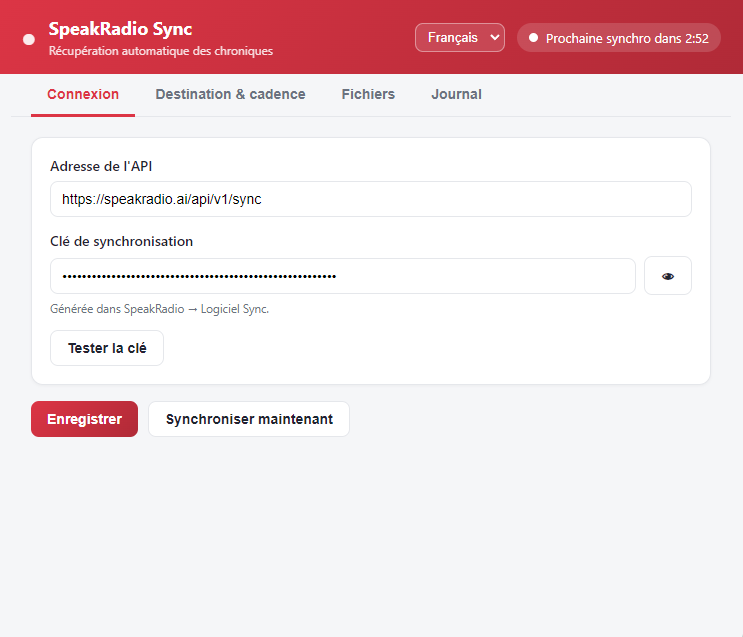
- Countdown to the next sync, plus on-demand instant sync.
- Built-in player to listen to your chronicles with their update date.
- Discreet: runs in the system tray and can start with the computer.
- Multilingual: French, English, Spanish, German, Italian.
Available for Windows and macOS
The download is available from your dashboard, under Sync App. A complete guide walks you through every step.
How to get started?
- Download the software from the Sync App page.
- Generate your synchronization key and paste it into the software.
- Choose your destination folder, then save.
Log in to your dashboard now to install SpeakRadio Sync.